Table of Contents
wordpress domain replacement steps is a controlled migration process that changes a WordPress site’s primary domain across database URLs, configuration, DNS, SSL, redirects, analytics, search console, and third-party integrations without losing rankings, sessions, media paths, or revenue tracking. A good implementation proves every redirect, canonical, sitemap, mixed-content fix, and rollback path before launch; a bad one updates two URL fields and discovers broken assets after traffic drops.
What Decision Makers Are Actually Buying
A domain replacement is not a DNS edit. It is a coordinated release. The vendor must map the old hostname everywhere it appears: siteurl, home, serialized options, post content, widget text, page-builder CSS, ACF fields, WooCommerce emails, membership callbacks, CDN rules, robots.txt, sitemaps, OAuth allowlists, payment gateways, and hardcoded theme files. In 2026, one missed hostname can break checkout, gated content, or Core Web Vitals reporting.
Ask for an inventory before a quote. A serious vendor counts URL occurrences by table and file, not by pages. They should report totals such as 18,400 serialized references, 62 builder templates, 9 webhook endpoints, and 4 CDN cache rules. They should also name the person who owns DNS TTL changes and the person who approves the 301 map. If the proposal only says “search and replace,” the scope is incomplete.
For sites with custom code, the migration often overlaps with Custom WordPress Development (End-to-end website development with tailored themes, SEO-ready architecture and security hardening), especially when hardcoded endpoints, custom tables, or bespoke templates exist. That is the difference between a hosting task and an engineering task.
Use the 2026 acceptance frame: zero 5xx spikes in the first 60 minutes, 100% of sampled old URLs returning a single 301 to the matching new URL, no chained redirects, no mixed content, no duplicate canonicals, and a tested rollback within 15 minutes. These are measurable. “Done carefully” is not.
Step-by-Step: How to Run the Replacement Safely
- Freeze and snapshot. Lower DNS TTL to 300 seconds 24–48 hours ahead. Take a full file backup, a database dump, and an object-storage copy. Record plugin versions, PHP version, cron jobs, and current traffic baselines. Store the rollback archive off-server.
- Build the URL inventory. Query wp_options, wp_posts, wp_postmeta, wp_term_meta, wp_usermeta, and custom tables. Scan theme, mu-plugins, uploads metadata, .htaccess, nginx rules, and CDN config. Export a 1:1 redirect map for every indexable old URL, including pagination, feeds, attachments, and trailing-slash variants.
- Stage the rewrite. Clone to a staging subdomain on the new host or same host. Replace URLs with a serialization-aware tool, not plain SQL REPLACE on serialized blobs. Update wp-config.php constants, regenerate permalinks, rebuild builder caches, flush object cache, and regenerate CSS/JS bundles.
- Wire infrastructure. Issue SSL for the new domain, set DNS A/AAAA or CNAME records, align CDN origin and Host headers, update robots.txt and XML sitemaps, and configure old-domain 301 rules at the edge or server. Keep the old certificate active for at least 90 days in 2026.
- Validate before cutover. Crawl 100% of mapped URLs on staging. Check status codes, canonical tags, hreflang, structured data, images, fonts, forms, login, cart, webhooks, and email links. Run a 200–500 URL sample through a second crawler. Compare response times against the baseline.
- Cut over and monitor. Switch DNS during a low-traffic window. Watch 404s, 5xx, checkout completions, and referrer data for 72 hours. Submit the new sitemap, use the Search Console change-of-address signal, keep 301s for a minimum of 12 months, and review log files weekly for the first 30 days in 2026.
Vendor Options, Deliverables, and 2026 Budget Signals
Price follows surface area. A five-page brochure site with no builder data is a short engagement. A WooCommerce catalog with 40,000 SKUs, three integrations, and custom tables is a release project. Do not compare quotes without comparing the artifact list.
| Vendor option | Typical 2026 range | What is included | Main risk | Best fit |
|---|---|---|---|---|
| Hosting support / one-hour task | $0–$150 | DNS pointer, basic URL fields, SSL issue | Serialized data, redirects, and integrations untouched | Throwaway or prelaunch sites |
| General freelancer | $300–$900 | Backup, search-replace, 301 file, manual spot checks | Redirect map may omit attachments and query variants | Small brochure sites under 100 URLs |
| SEO-focused migration specialist | $900–$2,500 | Full crawl, 1:1 map, canonical audit, Search Console work, 30-day monitoring | Custom application code may be out of scope | Content sites dependent on organic traffic |
| Engineering-led agency | $2,500–$8,000+ | Staging, custom-table rewrite, webhook retest, CDN rules, rollback drill, 72-hour watch | Higher cost; requires stakeholder availability | WooCommerce, membership, headless, or multisite |
Get a Quote
Email + requirement + budget range — we reply with a quote within 24 hours.
Ask each bidder for the same four artifacts: a pre-migration inventory, a redirect map sample, a rollback runbook, and a post-launch report template. Vendors who cannot show a sample report usually cannot produce one under pressure. If the site uses bespoke logic, review Choosing a Vendor for WordPress Customization in 2026 alongside the migration quote, because customization ownership determines who fixes a broken callback at 02:00.
Technical Checks That Separate Good From Bad
Serialized data and custom tables
WordPress stores lengths inside serialized strings. A naive SQL update corrupts widgets, menus, and builder layouts. Require a serialization-aware migration, then verify with a diff of before/after option values. Custom tables need explicit mapping. If a vendor uses direct $wpdb queries, require prepared statements, a dry-run SELECT count, and a table-level backup before any UPDATE runs in 2026.
Redirect behavior
Every old URL should take one hop to its exact new equivalent. No old → www → https → new chains. No wildcard redirect to the homepage. No 302s. Test uppercase paths, encoded characters, trailing slashes, UTM parameters, and paginated archives. Keep the old domain’s redirect layer independent of WordPress so a plugin failure cannot erase it.
SEO and analytics continuity
Canonical tags, Open Graph URLs, schema url fields, hreflang pairs, and sitemap loc entries must point to the new hostname before DNS flips. Update GA4 data streams, Tag Manager containers, ad platform destination URLs, email footers, PDF links, and CRM forms. Preserve the old property in Search Console for at least 180 days in 2026 so query-level diagnostics remain available.
Security and delivery
Reissue certificates, rotate any domain-bound API keys, update CORS allowlists, recheck CSP connect-src and img-src, and confirm cookie domains. Authentication cookies, payment callbacks, and SSO often fail here. A clean migration includes an HSTS review and a mixed-content crawl over HTTPS only. The official wp-config.php reference is useful when confirming WP_HOME, WP_SITEURL, and cookie constants.
Common Mistakes
- Changing only siteurl and home. Old URLs remain in post_content, postmeta, builder CSS, and emails. Avoid it by exporting a table-and-file occurrence report and requiring a zero-match scan for the old hostname before launch.
- Redirecting everything to the new homepage. This collapses link equity and creates soft-404 patterns. Avoid it with a 1:1 map generated from a crawl plus server logs, then reject any proposal that cannot show the map.
- Dropping the old certificate or DNS too early. Crawlers, bookmarks, and payment retries still arrive for months. Avoid it by keeping SSL, DNS, and 301 rules active for at least 12 months in 2026, with renewal reminders owned by a named person.
- Skipping staging validation for forms and checkout. A site can look perfect while webhooks silently fail. Avoid it with a scripted test: create a test order, submit a lead form, trigger a password reset, and confirm each payload hits the new domain.
- No rollback trigger. Teams debate instead of reverting. Avoid it by defining thresholds in advance, such as 2% 5xx rate, 10 minutes of checkout failure, or 50 unexpected 404s, then drilling the revert once before cutover.
How to Compare Proposals Line by Line
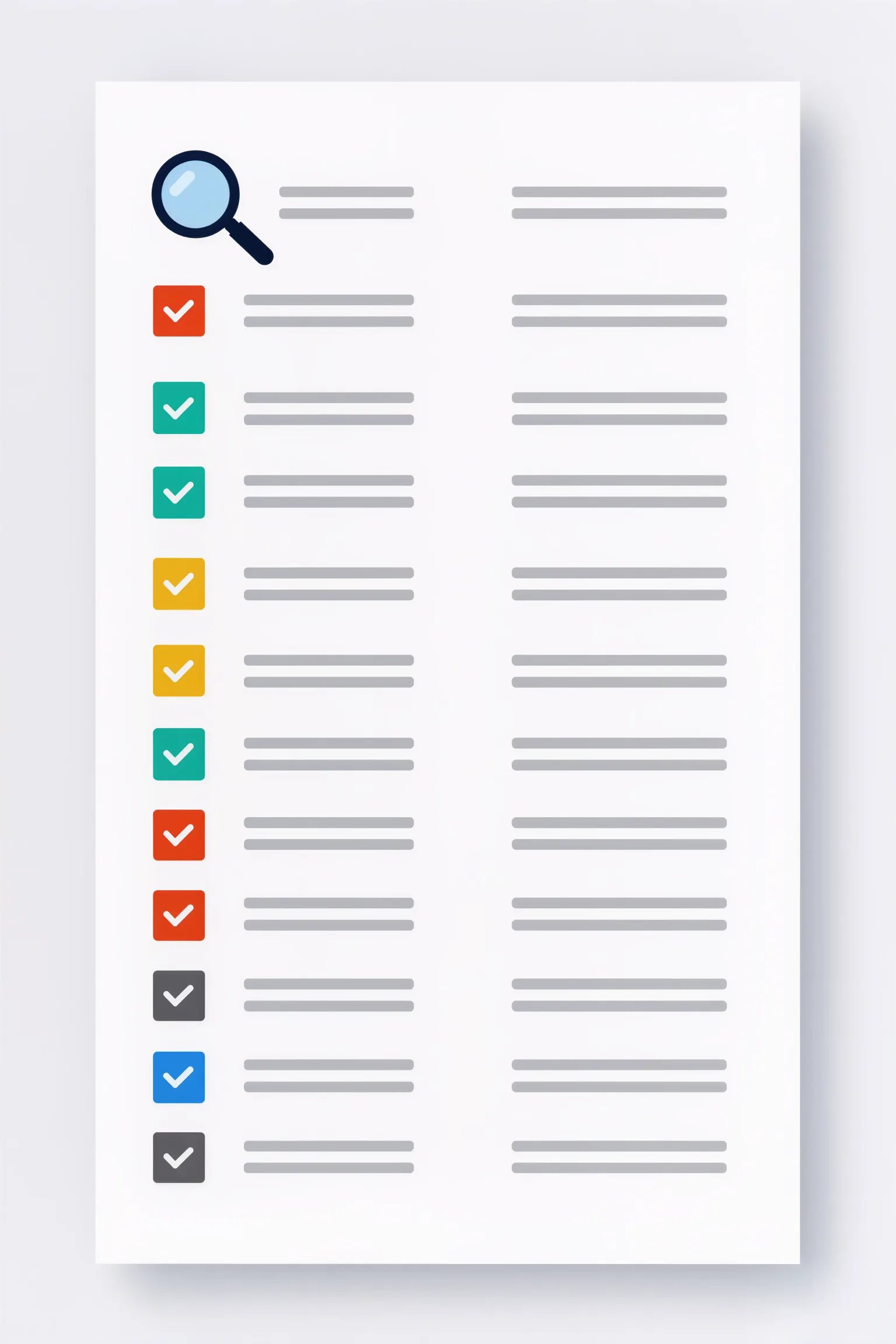
Normalize every quote into the same checklist: backup count, staging environment, inventory depth, redirect map size, crawl coverage, integration retests, monitoring window, rollback drill, and report delivery date. Score each item 0, 1, or 2. A $600 quote with no monitoring is not cheaper than a $1,400 quote with 30 days of log review if a two-hour outage costs $6,000.
Ask three questions in the vendor interview. Who runs the serialization-safe replacement? Who owns the 301 file after handover? What exact evidence will I receive 24 hours after launch? Strong answers name a tool, a file path, and a report. Weak answers name a ticket queue. For broader procurement context, Beginner WordPress Guide: How to Choose the Right Vendor in 2026 explains how to separate support retainers from project delivery without relying on brand claims.
Contract language matters. Require a defined cutover window, a named technical lead, a 15-minute rollback commitment, and a 14-day defect window covering redirects, media, forms, and analytics. State that “migration complete” means the post-launch report is delivered, not that DNS resolved. In 2026, also require confirmation that staging data was deleted after sign-off, since cloned databases often contain real customer records.
Procurement rule: Buy evidence, not effort. A vendor who delivers a 42-row validation sheet, a redirect map, and a rollback log gives you something you can audit. A vendor who delivers confidence gives you something you can only hope worked.
Timing is a vendor signal too. A credible plan for a mid-size site is 3–5 business days: one day for inventory, one for staging rewrite, one for validation, a low-traffic cutover, then 72 hours of watch. Same-day promises are fine only for prelaunch sites with no indexable URLs, no commerce, and no integrations. Ask what gets removed when the timeline shrinks. Something always gets removed.
FAQ
How long should 301 redirects stay after a WordPress domain replacement?
Keep them for at least 12 months in 2026, and longer for high-authority pages. Keep the old SSL certificate and DNS active for the same period. Review server logs monthly for the first 90 days.
Will a domain replacement hurt SEO if every URL is mapped 1:1?
Usually it causes a short 1–3 week fluctuation, not a lasting loss. Damage comes from homepage-only redirects, chained hops, stale canonicals, or missing sitemap updates. Validate all four before cutover.
Do I need staging for a small site with 30 pages?
Yes. Even 30 pages can contain serialized widgets, attachment URLs, and a form webhook. A staging clone plus a 30-URL crawl typically adds 2–4 hours and removes the most common failure mode.
Need a Migration Plan You Can Audit?
Get a scoped inventory, 1:1 redirect map, staging validation, and a 72-hour post-launch report before you commit to a vendor. Tell us your URL count, commerce stack, and cutover window. Request a 2026 domain replacement assessment and we will reply with the checks, timeline, and rollback triggers your site actually needs.
