Table of Contents
wordpress user guide for beginners is a practical onboarding system that helps non-technical teams manage pages, media, users, updates, forms, SEO fields, and routine security tasks inside a WordPress site without breaking layout or data. A good implementation is role-specific, tested on the client’s real site, and backed by documentation; a bad one is generic screenshots, admin access without guardrails, and no recovery plan.
What Decision Makers Are Actually Buying
You are not buying a PDF. You are buying reduced operational risk. A beginner guide should let a marketing coordinator publish a landing page in 15 minutes, let an editor correct a broken image in 3 clicks, and let an owner understand what never to touch. In 2026, that means block editor workflows, pattern libraries, revision history, SEO metadata, consent-aware forms, and update-safe theme behavior.
Vendors often bundle the guide into a build. Ask whether the guide is written for your site or copied from a template. A tailored guide references your custom post types, your navigation, your hosting panel, your staging URL, and your approval rules. It also names the person responsible for backups, plugin updates, and incident triage. If those details are missing, the deliverable is marketing collateral, not enablement.
The strongest scope connects documentation to architecture. When a vendor builds with theme.json Global Styles: Moving CSS Hacks into Configuration, beginners change brand colors and spacing from one controlled interface instead of editing CSS files. That single decision cuts training time and reduces design drift across 20, 50, or 200 pages.
Also separate two products. A public tutorial teaches WordPress in general. A vendor-supplied operating guide teaches your instance. Buyers comparing agencies should price the second one. It includes screenshots of your dashboard, your block patterns, your form notifications, your user roles, and your rollback steps. General tutorials are free. Instance-specific clarity is what prevents a 2-hour outage after a well-intentioned plugin click.
Vendor Options and What the Budget Really Buys
Use a comparison table during procurement. Ask each bidder to mark one row and sign off on the deliverables column. Ambiguity here creates change orders later. The ranges below reflect typical 2026 agency pricing for guide work attached to a small or mid-size business site, not a full rebuild.
| Option | Typical 2026 range | Guide deliverables | Best fit | Main risk |
|---|---|---|---|---|
| Freelancer handover notes | $250–$700 | 1 live walkthrough, 5–8 screenshots, basic page and media steps | Brochure site with 1 editor | No update policy, no role matrix |
| Template-based agency packet | $700–$1,500 | 20–30 page PDF, generic block editor coverage, 1 revision round | Low-change sites using a stock theme | Ignores custom fields and staging |
| Tailored onboarding system | $1,500–$3,500 | Site-specific guide, role matrix, 6–10 short videos, staging drill, backup checklist | Teams with 3–12 editors and custom post types | Needs content owner availability |
| Guide plus governed build | $3,500–$7,500 | Everything above plus locked patterns, SEO fields, security hardening, 30-day support | Regulated, multilingual, or high-traffic sites | Higher upfront scope review |
Price alone is a weak signal. A $900 packet can cost $4,000 in rework if editors keep pasting unstyled HTML into blocks. A $3,200 tailored system can pay back in 90 days if it removes 5 recurring support tickets per month. Ask for the ticket category, not just the page count.
Request three artifacts before signing: a sample guide from a similar 2026 project, the role-permission table, and the definition of done for training. A serious vendor will show a redacted example, explain why an Editor cannot install plugins, and state that training is complete only after a client staff member publishes a test page on staging without assistance.
How to Evaluate a wordpress user guide for beginners in 6 Steps
- List the 8–12 tasks your team will repeat monthly. Include publishing, replacing a hero image, adding a team member, editing an SEO title, exporting form entries, and restoring a revision. Send this list to every bidder before the call.
- Ask for a live 10-minute demo on a staging copy, not a slide deck. Have your least technical staff member perform one task while the vendor stays silent. Record where they hesitate. Hesitation points are the real documentation gaps.
- Check the role matrix. Confirm Administrator, Editor, Author, Contributor, and any custom role. In 2026, no beginner should need Administrator access to publish a page. Verify plugin installation, theme switching, and user management are restricted.
- Inspect the update and rollback path. The guide must name the backup schedule, staging URL, plugin update window, and the exact restore contact. Ask for a 5-minute rollback drill. If the vendor cannot demonstrate it, the guide is incomplete.
- Score the architecture behind the instructions. Review WordPress Theme Development Handbook: 2026 Vendor Guide criteria with the bidder: block patterns, template hierarchy, global styles, and child-theme or config-based changes. Fewer manual code edits mean fewer beginner errors.
- Accept only with measurable done criteria: 1 test page published, 1 image swapped, 1 revision restored, 1 form entry exported, 1 user added, and 0 admin-level mistakes during a 30-minute supervised session. Attach these to final payment.
Get a Quote
Email + requirement + budget range — we reply with a quote within 24 hours.
This process takes 3–5 business days. It exposes more than a proposal review. Vendors who design for beginners simplify the dashboard. Vendors who design for developers explain the dashboard. Those are different products.
What a Good Implementation Includes
Role-based paths, not one long manual
Write separate 2–4 page paths for Owner, Editor, and Author. The Owner path covers backups, billing, domain, and escalation. The Editor path covers blocks, patterns, media, revisions, and SEO fields. The Author path covers drafts and submissions only. Keep each task under 7 steps. Put a one-line warning before any destructive action.
Site-specific screenshots and naming
Screenshots should show your actual menu labels, your pattern names, and your form plugin. Capture at 1440px width. Annotate only the click target. Replace images every time the admin UI changes. In 2026, a guide with 2024 screenshots already misleads beginners on block tools and global styles panels.
Guardrails inside the CMS
Documentation works better when the interface prevents mistakes. Lock patterns. Hide unused widgets. Disable direct file editing. Limit plugin install rights to 1–2 accounts. Add an SEO field with a 60-character title hint and a 155-character description hint. These controls turn the guide from a warning label into a safe workflow.
Security and recovery in plain language
Explain 2FA, session expiry, update cadence, and backup retention in one page. Use concrete numbers: 90-day password rotation for admins, 30-day backup retention, 24-hour patch window for critical plugin releases. Link once to official WordPress security documentation for the technical owner, then keep the beginner version action-only.
For sites with custom data, documentation should also state who may run reports and who may not. If a vendor proposes raw SQL for dashboards, review Direct Queries with $wpdb: When to Use Them and How to Stay Safe before granting any database-level access. Beginners should never need that path.
One procurement shortcut: ask whether the same team writing the guide built the theme. When build and documentation are separated, details get lost. Our Custom WordPress Development service is End-to-end website development with tailored themes, SEO-ready architecture and security hardening, so the onboarding guide is written against the exact system delivered, not a guessed admin layout.
Common Mistakes
- Buying a generic PDF and calling it training. It shows default menus, not your custom post types or patterns. Avoid it by requiring 6 screenshots from your staging site and 1 supervised publishing task before acceptance.
- Giving every staff member Administrator access. One plugin click can disable forms, SEO metadata, or caching. Avoid it with a written role matrix, 1–2 Administrator accounts, and Editor as the default for content staff.
- Skipping the rollback drill. Teams learn restore steps during an outage, when stress is highest. Avoid it by rehearsing 1 restore on staging and recording the restore contact, retention window, and expected recovery time in the guide.
- Letting design changes bypass configuration. Beginners paste inline CSS, then every page drifts. Avoid it by moving color, typography, and spacing into global styles and locking 5–8 approved block patterns.
- Accepting no update owner. Plugins, themes, and PHP versions all move in 2026. Avoid it by naming 1 accountable person, a weekly 30-minute update slot, and a 24-hour escalation rule for critical patches.
Procurement Questions That Separate Vendors
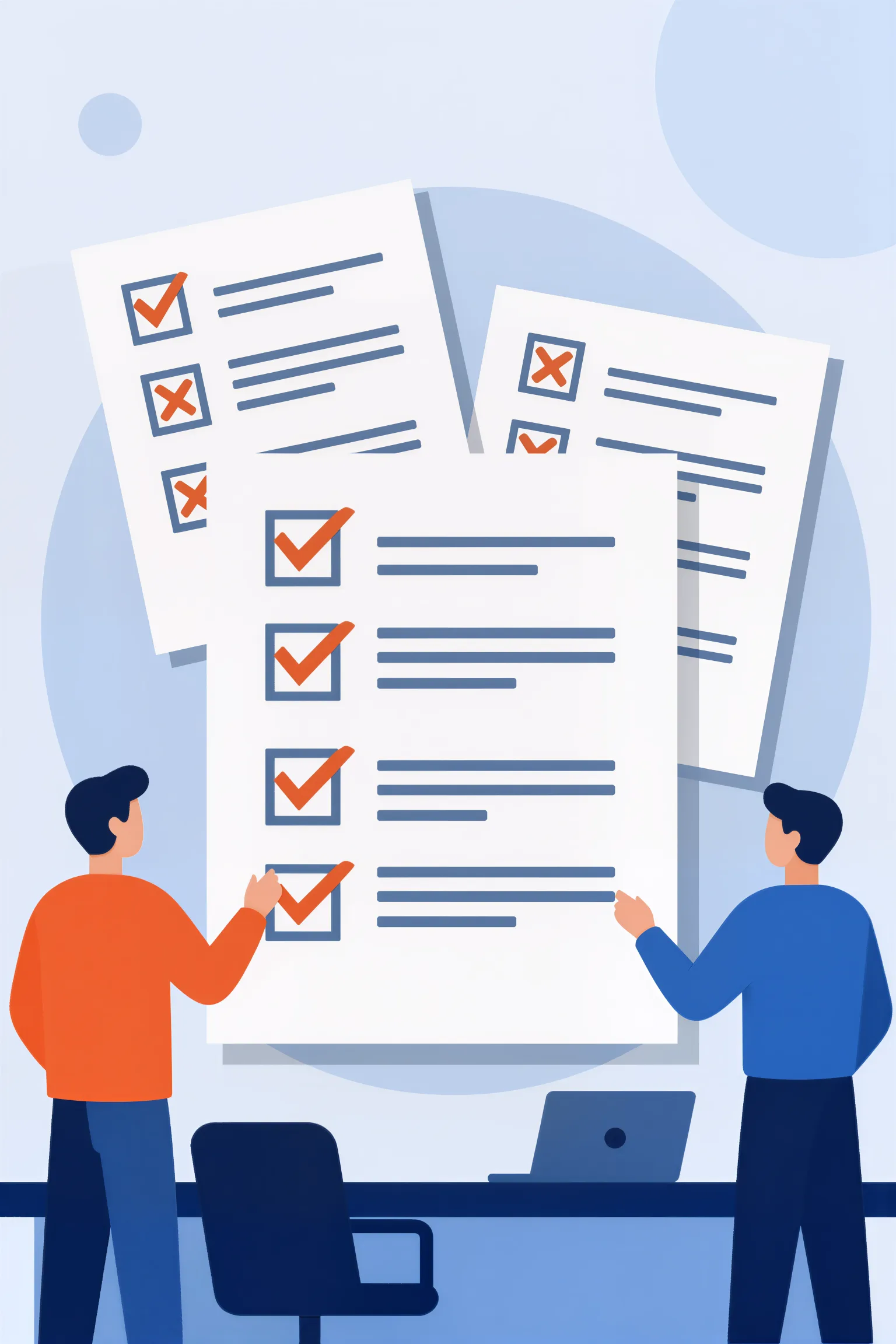
Ask five questions on the call. Who writes the guide? When is it written? What is captured from staging? How is it versioned? What happens after the first plugin UI change? Strong answers name a person, a milestone before handover, real screenshots, a dated changelog, and 2 included refresh rounds in the first 90 days.
Ask about content migration too. Beginners often break imported pages by re-saving them. A vendor should state how many legacy pages were mapped, which ones became patterns, and which fields are read-only. If 120 pages were imported, ask for the 10-page sample audit. That number reveals whether the guide reflects reality.
Ask for support boundaries. A guide is not a support contract. Define 3 tiers: questions covered by the guide, issues covered by the 30-day warranty, and new features priced separately. Put the response time in hours, not words like prompt. In 2026, 4 business hours for a publishing blocker and 1 business day for a how-to question are workable targets for small teams.
Finally, compare the guide against the build scope. If the proposal includes custom templates, review WordPress Template Tutorial: 2026 Vendor Evaluation Guide to check that editors are told which template to use for each content type. A beautiful template hierarchy is useless if a beginner cannot choose between a landing template and an article template in 5 seconds.
Acceptance test: a new editor publishes a correct page on staging in under 15 minutes, with no Administrator access and no vendor intervention.
FAQ
How long should a wordpress user guide for beginners take to produce?
Allow 5–10 business days for a tailored guide on a small site, and 10–15 days for 3+ roles, custom post types, or multilingual content. That includes a staging review, 1 supervised drill, and 1 revision round.
Should the guide be a PDF, videos, or in-dashboard help?
Use all three, but keep them short: a 2–4 page role PDF, 6–10 clips under 90 seconds, and in-dashboard notes for destructive actions. Videos alone are hard to search during an incident.
How often should a vendor refresh the guide in 2026?
Refresh after any admin UI, plugin, theme, or role change, plus a scheduled review every 90 days. Add a dated changelog. Retire screenshots older than 6 months.
Get a scoped onboarding plan
Send your task list, editor count, and current URL. We will map the role matrix, guide structure, guardrails, and acceptance drill to your 2026 build before you sign a vendor contract. Request a scoped consultation and get a written deliverables table, not a generic packet.
