Table of Contents
- What Decision Makers Should Buy in 2026
- Vendor Options and What the Budget Actually Buys
- How to Change WordPress Domain Name: The 6-Step Release
- Technical Checks That Separate a Safe Vendor From a Risky One
- Common Mistakes
- How to Compare Proposals Line by Line
- What Post-Launch Reporting Should Look Like in 2026
- FAQ
- Ready for a Controlled Cutover?
how to change wordpress domain name is the controlled migration of a WordPress site from one hostname to another by updating DNS, hosting configuration, database URLs, SSL, redirects, search index signals, and third-party integrations without losing traffic, rankings, forms, or revenue. A good implementation preserves every URL with 301 redirects, clean canonicals, verified analytics, and a rollback plan. A bad one changes only the address bar, then leaves mixed content, broken media, lost leads, and duplicate-index problems behind.
What Decision Makers Should Buy in 2026
A domain change is not a single admin setting. It is a release. The vendor should own 6 workstreams: discovery, staging, data rewrite, infrastructure cutover, redirect mapping, and post-launch monitoring. Ask for a written inventory before quoting. It should list the current domain, all subdomains, CDN rules, SSL certificates, email DNS records, sitemap URLs, payment callback URLs, OAuth allowlists, CRM webhooks, hardcoded theme paths, and any multisite domain mapping.
Price should follow risk, not page count. A 12-page brochure site with WooCommerce, 4 languages, a headless front end, and 18 integrations is more complex than a 300-page blog with clean permalinks. Require the proposal to state the number of URLs crawled, the number of redirect rules, the staging URL, the backup retention window, and the exact rollback trigger. In 2026, a credible plan usually includes a crawl of at least 2 depth levels, a full database dump, a file-level backup, and a 14-day observation window after DNS propagation.
If the migration sits inside a larger redesign, align it with Custom WordPress Development (End-to-end website development with tailored themes, SEO-ready architecture and security hardening) so template code, schema, and internal linking are corrected before the hostname changes. Changing a domain on top of unstable theme code multiplies debugging time.
Vendor Options and What the Budget Actually Buys
Use this table during procurement. It separates a low-cost settings edit from an engineered migration. The ranges assume one production WordPress site, one new primary domain, under 10,000 indexed URLs, and no platform rebuild in 2026.
| Option | Typical 2026 range | Deliverables included | Main risk |
|---|---|---|---|
| Hosting support ticket | $0-$150 | DNS pointer, vhost update, SSL issue, one backup | No URL inventory, no serialized-data audit, no SEO validation |
| General freelancer | $300-$900 | Site URL update, search-replace, basic 301 rules, 24-hour check | Hardcoded assets, plugin licenses, and analytics continuity often missed |
| SEO-focused migration specialist | $900-$2,500 | Crawl, redirect map, canonical review, sitemap, Search Console change of address, 14-day log review | May not fix custom theme or application-level URL generation |
| Full WordPress agency release | $2,500-$7,500+ | Staging, code audit, safe database rewrite, CDN, WooCommerce, integrations, rollback, monitoring, sign-off report | Higher cost; needs a named technical owner on the client side |
Ask every bidder to mark each row as included, excluded, or priced separately. A quote that says only “domain update included” is not comparable. Also ask who holds the DNS registrar login, who can issue the certificate, and who approves the final redirect test. One accountable owner prevents the 2-hour gap where old and new hostnames both serve 200 responses.
How to Change WordPress Domain Name: The 6-Step Release
- Freeze scope and take 2 backups. Export the database, copy wp-content, export DNS zone records, export CDN rules, and save the current certificate details. Store backups outside the production server. Record current organic sessions, conversions, 404 count, top 50 landing pages, and Core Web Vitals for 2026 comparison.
- Build staging on the new hostname. Clone the site, point a temporary DNS record or hosts entry, issue SSL, and force HTTPS. Crawl staging with the same permalink structure. Fix mixed content, hardcoded absolute URLs in theme files, block patterns, widgets, custom fields, and any direct $wpdb queries that read or write site URLs.
- Rewrite stored references safely. Update home and siteurl, then run a serialized-aware search-replace across post_content, postmeta, options, termmeta, and WooCommerce tables. Do not run raw SQL string replacement on serialized PHP data. Re-save permalinks, flush object cache, regenerate CSS/JS bundles, and clear CDN cache.
- Create the redirect map before cutover. Map every old URL to its exact new counterpart, not only the homepage. Use one-hop 301 rules. Keep query strings where they drive filtering, tracking, or pagination. Test 20 sample URLs, 10 top landing pages, feeds, sitemaps, media files, and any PDF assets. Return 410 only for intentionally retired pages.
- Cut over in a low-traffic window. Lower TTL to 300 seconds at least 24 hours early. Update A, AAAA, CNAME, and ALIAS records. Issue or deploy the new certificate. Update WordPress Address and Site Address if not already handled, then verify HTTP-to-HTTPS, www policy, canonical tags, robots.txt, and XML sitemaps. Keep the old domain active with redirects for at least 180 days.
- Validate for 14 days. Submit the new sitemap, use Search Console change of address, update GA4 property data streams, Google Ads final URLs, Merchant Center feeds, email templates, social profiles, payment callbacks, and CRM webhooks. Review server logs for 404 and 500 spikes, crawl the new domain again, and compare leads against the pre-migration baseline.
Technical Checks That Separate a Safe Vendor From a Risky One
Get a Quote
Email + requirement + budget range — we reply with a quote within 24 hours.
Decision makers do not need to run the migration. They do need to know which evidence to request. The checks below are measurable. Each one should produce an artifact, not a verbal assurance.
Database and serialized data
WordPress stores arrays and objects as serialized strings. A naive replace can corrupt widget settings, page builder layouts, menu metadata, and plugin options because string length changes. Require the vendor to name the tool used, list the tables scanned, and show a diff sample from staging. If custom code builds URLs at runtime, request a code search for the old hostname and for home_url alternatives stored in options. When custom tables are involved, the safer approach is documented in Domain Configuration for WordPress: 2026 Vendor Guide, which should be part of the handover pack.
Redirects, canonicals, and index control
Every old URL should resolve in one hop to the equivalent new URL with a 301. No chain such as old HTTP → old HTTPS → new HTTPS → trailing slash. Canonical tags, hreflang, Open Graph URLs, schema url fields, and sitemap loc entries must reference the new hostname. Keep the old domain out of the index with redirects, not a sitewide noindex. A noindex on the old domain can remove the redirect signal before search engines transfer equity.
DNS, SSL, and edge behavior
TTL reduction before cutover is cheap insurance. Confirm both IPv4 and IPv6 records, CNAME flattening behavior, CDN origin settings, HSTS preload implications, and certificate SAN coverage for www and non-www. Email is separate. MX, SPF, DKIM, and DMARC records must stay intact. A vendor who edits the whole zone without exporting it first can break mail for 24-48 hours.
Application integrations
List every service that whitelists a URL: payment gateways, SSO, OAuth apps, membership APIs, booking systems, chat widgets, license managers, form endpoints, webhooks, and headless front ends. Update allowlists before DNS changes where possible. Test one real transaction, one form submission, one password reset email, and one webhook delivery on staging. For 2026 procurement, also ask whether the vendor checks consent-management scripts and cookie domain scope, since a hostname change can reset banners and skew analytics.
Common Mistakes
- Changing only Site Address in Settings → General. This leaves old URLs in content, custom fields, serialized options, and cached pages. Avoid it by requiring a serialized-aware database rewrite plus a staging crawl before cutover.
- Redirecting every old page to the new homepage. This destroys landing-page relevance and creates soft-404 patterns. Avoid it with a 1:1 URL map exported from a crawl, reviewed by the content owner, and tested after DNS propagation.
- Dropping the old domain too early. Backlinks, email signatures, printed collateral, and cached app links keep sending requests for months. Avoid it by renewing the old domain and keeping 301 rules, SSL, and log monitoring active for at least 180 days.
- Forgetting non-web DNS records. MX, SPF, DKIM, DMARC, and verification TXT records often vanish during a zone rewrite. Avoid it by exporting the full zone, diffing it after cutover, and sending a test email from 2 external providers.
- Launching without a rollback trigger. Teams debate while forms fail. Avoid it by defining thresholds in advance: for example, rollback if conversion tracking drops to zero for 30 minutes, 5xx responses exceed 1% of requests, or checkout fails on 2 consecutive test orders.
How to Compare Proposals Line by Line
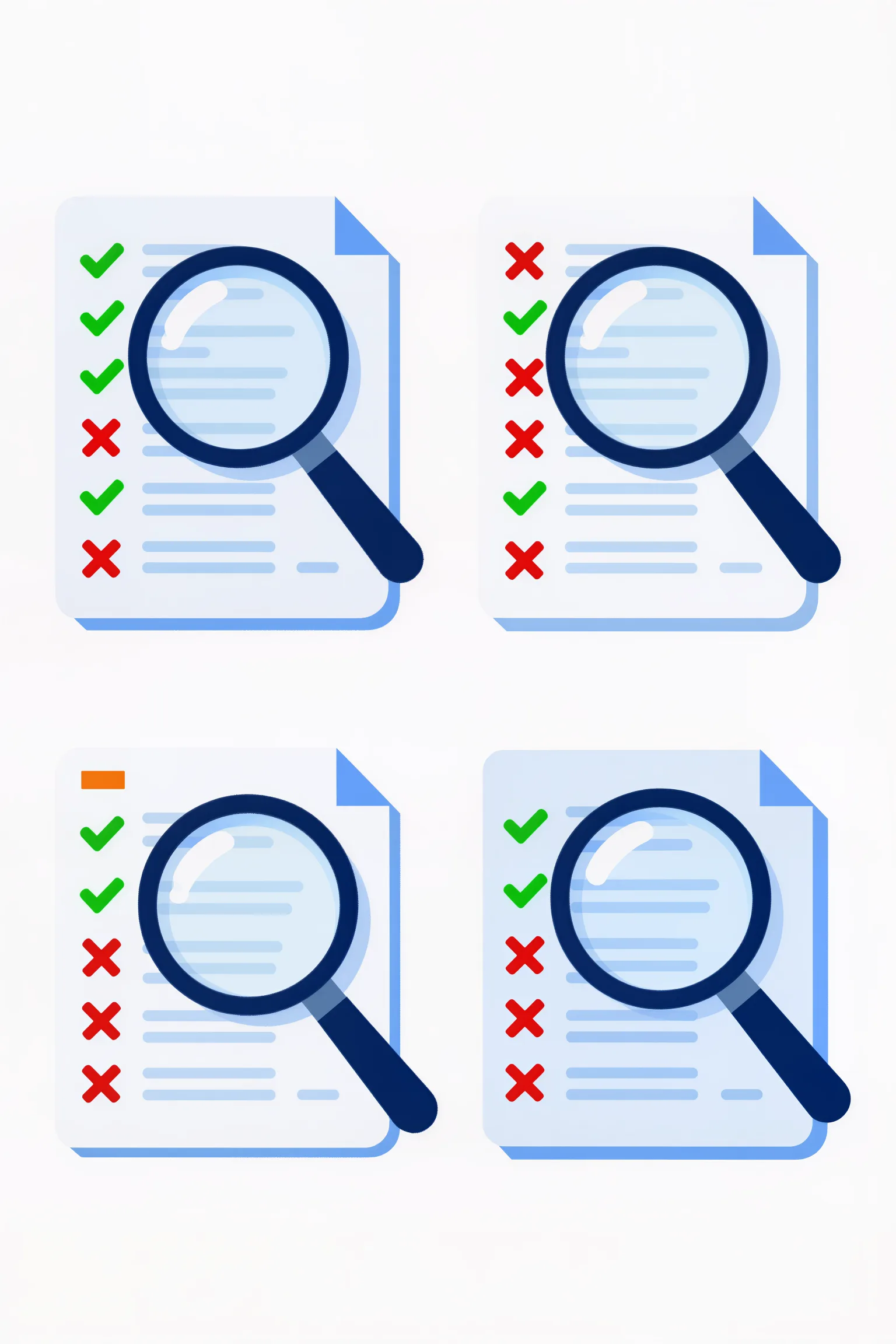
Score each vendor on evidence, not adjectives. Give 1 point for each artifact: URL inventory CSV, redirect map, backup manifest, staging checklist, integration register, rollback runbook, post-launch log report, and signed acceptance criteria. A 3-page proposal with those 8 artifacts usually beats a 20-page deck with none.
Ask 5 direct questions. How many URLs were crawled? Which tables will be rewritten and with what serialized-safe method? Who owns DNS and SSL during the cutover window? What is the rollback decision time? What metrics trigger a fix after launch? Vague answers indicate the vendor has done a settings change, not a migration.
Tie payment to gates. A common 2026 structure is 30% on inventory approval, 40% on staging sign-off, and 30% after 14 days of clean logs and analytics. Do not accept final payment on “site loads at new domain.” That is the easiest test to pass and the least useful one.
If the domain move accompanies template consolidation, multilingual restructuring, or a new information architecture, review WordPress Theme Development Handbook: 2026 Vendor Guide before approving the redirect map. Template decisions change URLs. URL decisions change the redirect map. Approving them in the wrong order creates rework and duplicate rules.
What Post-Launch Reporting Should Look Like in 2026
The final report should fit on 2 pages and contain numbers. Include cutover timestamp, DNS TTL before and after, certificate issuer and expiry, count of redirect rules, count of 1:1 mapped URLs, crawl error count before and after, 404 count for 14 days, 5xx rate, average redirect hops, sitemap submission date, Search Console change-of-address date, GA4 stream update date, and conversion totals compared with the 14 days before launch.
Expect some volatility. Search engines need time to reconcile signals. The warning signs are mechanical, not mysterious: redirect chains, canonical tags still pointing to the old hostname, mixed-content warnings, missing image srcsets, broken pagination, duplicate sitemaps, and form endpoints returning 403. Those should be fixed within 24 hours, not explained away as “normal migration fluctuation.”
Keep a 2026 change log. Record the old domain, new domain, registrar, DNS provider, CDN, hosting panel, CMS version, PHP version, cache plugin, and every plugin with a URL-bound license. This file shortens the next audit, renewal, or acquisition diligence process. It also tells a future vendor which parts of the site are custom and which are configurable.
FAQ
How long does a WordPress domain change take in 2026?
Plan 5-10 business days for a standard site: 2 days for inventory and staging, 1 day for rewrite and QA, 1 cutover window, then 14 days of monitoring. DNS itself often propagates in under 1 hour after a 300-second TTL, but validation takes longer.
Will changing a WordPress domain hurt SEO?
It can, but a 1:1 301 map, updated canonicals and sitemaps, Search Console change of address, and 180 days of old-domain redirects usually preserve equity. Ranking loss is most often caused by homepage-only redirects or retired URLs, not by the hostname itself.
Do I need a developer or can my host do it?
A host can update DNS, vhost records, and SSL. Use a developer when the site has WooCommerce, custom fields, page builders, multilingual URLs, headless components, or integrations with URL allowlists. Those items need code and data checks.
Ready for a Controlled Cutover?
Get a migration plan with a URL inventory, staging QA, 1:1 redirects, rollback triggers, and 14 days of post-launch evidence. Tell us your current domain, target domain, platform stack, and launch date. Request a 2026 domain-change scope review and we will reply with the artifacts, timeline, and owner map before any DNS record moves.
