Table of Contents
- Answer first: the release contract
- Comparison Process: choose the sync model before you write the runbook
- Full copy vs incremental sync: failure modes and rollback
- URL replacement in the DB: serialized-safe, scoped, verified
- Handling config drift: declare, detect, deny
- Rollback plan: rehearsed, timed, and signed off
- Final selection recommendation
- Frequently asked questions
- Action checklist
Answer first: the release contract
Ship code, not content, from staging to production. In 2026, the reliable WordPress staging to production workflow is: Git-based deploy of wp-content themes, plugins, and mu-plugins; immutable database snapshot before every release; targeted incremental data migration only for schema, options, blocks, and taxonomy changes; serialized-safe URL rewriting with WP-CLI; config declared in wp-config.php and environment variables; and a tested rollback that restores files plus the pre-release database within one maintenance window. You know it was done right when wp core verify-checksums, wp plugin list --status=active, wp option get home, wp option get siteurl, a logged-in checkout smoke test, cron health, and object-cache hit rate all match the signed release manifest, and the rollback drill completes in under 15 minutes on a copy of production.
For teams maintaining multiple environments, our Custom WordPress Development engagements usually start by formalising that manifest, because most failed launches are not code failures; they are untracked state changes made directly in wp-admin. The official WP-CLI search-replace documentation is the baseline reference for the database rewrite step below; read it once, then encode the exact flags in your deploy script so nobody improvises during a 02:00 release.
Comparison Process: choose the sync model before you write the runbook
- Freeze production writes and capture a timestamped database dump plus file inventory.
- Export only reviewed code from the staging Git tag to a release artifact.
- Classify database changes into schema, configuration, and editorial content.
- Apply code, then apply classified data changes with serialized-safe tooling.
- Verify URLs, config, cron, cache, and a real user transaction against the manifest.
- Keep the snapshot and previous artifact live for the rollback window.
The first decision in any WordPress staging to production workflow is what crosses the boundary. A full copy means copying the entire staging database and often the whole wp-content/uploads/ tree over production. An incremental sync means production stays authoritative for posts, orders, users, comments, and form submissions, while staging contributes a reviewed artifact: code, schema migrations, option changes, custom tables, and block-pattern registrations. The table below is the selection matrix we use on agency projects; it is deliberately opinionated.
| Dimension | Full copy | Incremental sync | Use full copy when | Use incremental sync when |
|---|---|---|---|---|
| Production content ownership | Staging overwrites everything after the snapshot | Production rows are preserved; only allowlisted tables or keys change | Brand-new site, zero live orders, launch day | WooCommerce, membership, LMS, booking, or busy editorial site |
| Data loss window | Every write between staging clone and deploy is lost | Zero or near-zero; writes continue until the maintenance window | Content was authored only in staging and signed off | Checkout, leads, comments, or user registrations happen hourly |
| Tooling in 2026 | wp db export + wp db import + rsync | Git tag + wp db query / migration class + wp search-replace on exported subsets | You need a byte-identical prelaunch clone | You run WordPress 6.8/6.9 with CI and WP-CLI 2.11 or 2.12 |
| Serialized data risk | High across all tables | Scoped to exported option/meta/table rows | You also rewrite URLs with --all-tables | You use --precise and --recurse-objects |
| Rollback granularity | Restore whole DB; loses post-snapshot sales | Revert artifact + reverse migration; keep sales | No revenue yet | Revenue or user-generated data exists |
| Verification cost | Low: compare two dumps | Higher: checksum manifest per changed key/table | Single launch, no repeat releases | Weekly or daily releases |
| Media handling | rsync entire uploads, often 40-200 GB | rsync only new hashed assets from staging | Initial migration | Ongoing releases; use --ignore-existing |
Selection recommendation: use a full copy exactly once, for the initial go-live of a site with no transactional history, then switch permanently to incremental sync for every subsequent release. For any site with WooCommerce 9.x/10.x orders, LearnDash, BuddyBoss, Gravity Forms entries, or an editorial team publishing during business hours, choose incremental sync even for the first launch and seed production content with an import instead of a database overwrite. Do not use a hybrid where the full staging wp_options table is copied onto a live site; that single move is the most common cause of lost widget settings, rotated API keys, and broken cron schedules.
Build the incremental artifact
On staging, tag the release and generate a manifest. Keep the manifest in the repository at deploy/releases/2026-04-18-1042.json and include the Git SHA, plugin versions, PHP 8.3 target, and every database key that changed. A typical extraction uses wp db export with an include list, never a blind dump:
# staging, WP-CLI 2.12, WordPress 6.9, PHP 8.3
wp db export /tmp/stage-full.sql --add-drop-table
wp db export /tmp/stage-config.sql wp_options wp_blogmeta wp_usermeta --where="meta_key IN ('theme_mods_runok','runok_feature_flags')" 2>/dev/null || true
wp db query "SHOW TABLES LIKE 'wp_runok_%';" > /tmp/custom-tables.txt
wp eval 'echo json_encode(["home"=>get_option("home"),"siteurl"=>get_option("siteurl"),"db_version"=>get_option("db_version")], JSON_PRETTY_PRINT);' > /tmp/stage-options.json
sha256sum /tmp/stage-config.sql > /tmp/stage-config.sha256
Note the 2>/dev/null || true guard: --where is not valid for every WP-CLI export shape, so the script must fail loudly in CI if the resulting file is empty. Verify with wc -c /tmp/stage-config.sql and compare the SHA on production after transfer. If the file is under 200 bytes, stop the release; do not ‘just import the full dump’.
For media, sync only new files and never delete production uploads: rsync -av --ignore-existing --checksum staging:/var/www/staging/wp-content/uploads/ prod:/var/www/html/wp-content/uploads/. Verify with wp media list --post_type=attachment --format=count before and after; the count should be unchanged unless the release intentionally adds attachments. If it drops, you used --delete; restore from the object-store versioned bucket immediately.
Full copy vs incremental sync: failure modes and rollback
Get a Quote
Email + requirement + budget range — we reply with a quote within 24 hours.
Full copy fails quietly when the staging clone is older than the last production order. The symptom is not an error; it is a missing order ID, a customer calling support, and wp wc shop_coupon list returning coupons that no longer match email logs. Incremental sync fails differently: a migration class runs twice, a custom table gets a duplicate index, or an option is written with the staging API key. Both are recoverable, but only if you captured the boundary.
Rollback for a full copy
Before import, run wp db export /backups/pre-release-20260418-1042.sql --add-drop-table and tar -czf /backups/wp-content-20260418-1042.tgz -C /var/www/html wp-content. If the copy is wrong, put the site in maintenance with wp maintenance-mode activate, run wp db import /backups/pre-release-20260418-1042.sql, restore the tarball, flush with wp cache flush and wp rewrite flush --hard, then wp maintenance-mode deactivate. Accept the known trade-off: any writes made after the snapshot are gone, so reconcile payments from the gateway export. This is precisely why the comparison table restricts full copy to launch day.
Rollback for incremental sync
Write every migration as a class with up() and down() registered in an mu-plugin at /var/www/html/wp-content/mu-plugins/runok-migrations.php. Keep the previous release artifact symlinked as previous. Revert with ln -sfn /var/www/releases/2026-04-11 /var/www/html/current, run wp runok migrate:down --release=2026-04-18-1042, and restore only the changed option keys from /backups/options-pre-release.json. Verify with wp option get runok_schema_version returning the prior integer. Common pitfall: a migration that calls dbDelta() cannot be reversed by dropping a column if WooCommerce already wrote to it; in that case restore the single custom table from the pre-release dump with wp db import /backups/wp_runok_events.sql instead of touching wp_posts.
When the underlying host also changes during a release, treat it as a separate workstream and follow the DNS and TLS sequence in Migrate WordPress to Another Server: Vendor Guide for 2026 rather than mixing host migration into the data-sync window. Two independent rollback plans are safer than one entangled plan.
URL replacement in the DB: serialized-safe, scoped, verified
URLs live in wp_options, wp_postmeta, wp_posts.post_content, wp_termmeta, wp_usermeta, custom tables, and inside PHP-serialized strings whose length prefixes break under naive SQL REPLACE(). In 2026 the only acceptable production command is WP-CLI search-replace with --precise, --recurse-objects, --all-tables when custom tables are in scope, and a dry run first. Never run UPDATE wp_posts SET post_content = REPLACE(...); it corrupts Gutenberg block attributes, Elementor 3.x settings, ACF 6.x repeater arrays, and WooCommerce product metadata.
# 1. dry run on a production COPY, never live
wp db import /tmp/prod-copy.sql
wp search-replace 'https://staging.runokwp.com' 'https://www.runokwp.com'
  --precise --recurse-objects --all-tables-with-prefix --dry-run --format=table

# 2. real pass during the maintenance window
wp search-replace 'https://staging.runokwp.com' 'https://www.runokwp.com'
  --precise --recurse-objects --all-tables-with-prefix --report-changed-only

# 3. also cover protocol-less and escaped variants
wp search-replace 'staging.runokwp.com' 'www.runokwp.com' --regex --precise --dry-run
wp search-replace 'https://staging.runokwp.com' 'https://www.runokwp.com' --precise --dry-run

# 4. verify
wp option get home
wp option get siteurl
wp db query "SELECT COUNT(*) FROM wp_postmeta WHERE meta_value LIKE '%staging.runokwp.com%';"
wp db query "SELECT COUNT(*) FROM wp_options WHERE option_value LIKE '%staging.runokwp.com%';"
wp rewrite flush --hard
wp cache flush
Both COUNT queries must return 0 before you reopen traffic. Also check wp eval 'echo home_url("/wp-content/uploads/2026/04/hero.webp");' and fetch that asset with curl -I expecting 200, not a staging redirect. Multisite adds wp_blogs.domain, wp_site.domain, and wp_sitemeta; use wp search-replace --network and verify with wp site list --fields=blog_id,domain,path. If you use a CDN, purge after the rewrite, not before; the cache rules in Putting WordPress Behind a CDN: Cache Rules, Origin and Purging explain why an early purge re-caches staging absolute URLs at the edge.
Common pitfalls and immediate rollback
Pitfall one: replacing staging.example.com with example.com but forgetting the www variant, leaving mixed-content blocks. Pitfall two: running the replace on production while WP_HOME is hardcoded in wp-config.php, so the DB says one thing and PHP overrides it; the fix belongs in the next section, not in another search-replace. Pitfall three: serialized objects in a custom table without the wp_ prefix are skipped by --all-tables-with-prefix; enumerate them with wp db tables --all-tables and pass --all-tables on the copy. If a bad replace already ran, do not attempt a reverse replace on live data. Restore /backups/pre-release-20260418-1042.sql, re-run the dry run on the restored copy, and only then repeat the real pass. A reverse replace on already-corrupted serialized lengths does not repair the lengths.
Handling config drift: declare, detect, deny
Config drift is any difference between staging and production that is not code and not content: WP_DEBUG, WP_MEMORY_LIMIT, SMTP credentials, payment gateway mode, object-cache drop-in, cron disable flag, PHP-FPM pool settings, Nginx client_max_body_size, and plugin licences. It is dangerous because it is invisible in a Git diff and usually discovered by a failed webhook. The fix is to make environment config explicit in wp-config.php, keep secrets out of the database, and run a drift check as a deploy gate.
// /var/www/html/wp-config.php — shared across environments, 2026 baseline
define( 'WP_ENVIRONMENT_TYPE', getenv('WP_ENV') ?: 'production' );
define( 'WP_HOME', getenv('WP_HOME') ?: 'https://www.runokwp.com' );
define( 'WP_SITEURL', WP_HOME );
define( 'WP_DEBUG', WP_ENVIRONMENT_TYPE !== 'production' );
define( 'WP_DEBUG_LOG', WP_ENVIRONMENT_TYPE !== 'production' );
define( 'WP_DEBUG_DISPLAY', false );
define( 'DISABLE_WP_CRON', false );
define( 'WP_MEMORY_LIMIT', '256M' );
define( 'AUTOMATIC_UPDATER_DISABLED', true );

// Secrets come from the runtime, never from wp_options
if ( file_exists( __DIR__ . '/../secrets/env.php' ) ) {
    require_once __DIR__ . '/../secrets/env.php';
}

// Table prefix stays identical on staging and production
$table_prefix = 'wp_';
Store WP_ENV, WP_HOME, DB_HOST, and gateway keys in /var/www/secrets/env.php outside the web root, mode 0640, owned by www-data:deploy. With WP_HOME defined in PHP, wp option get home still returns the DB value, so verify both layers: wp eval 'echo home_url();' must equal the PHP constant and the DB option. If they disagree, the URL rewrite section was correct but drift remains.
Drift gate and remediation
Add a CI step that dumps the effective config on both hosts and diffs it. Use wp config list --format=json, wp plugin list --fields=name,version,status --format=json, wp option get active_plugins via wp eval, and php -i | grep -E 'memory_limit|opcache.enable'. Compare against deploy/environments/production.json. Also inspect the drop-ins with ls -la wp-content/{object-cache.php,advanced-cache.php,db.php}; a staging-only object-cache.php pointing at a local Redis socket is a classic 500 after deploy. Deny the release if wp config get WP_ENVIRONMENT_TYPE is not production, if WP_DEBUG is truthy, or if Stripe/PayPal keys still contain test_ or sk_test_.
Remediation is a config change, not a database restore. Correct env.php, reload PHP-FPM with sudo systemctl reload php8.3-fpm, run wp cache flush, and re-run the gate. Roll back a bad config edit by restoring /backups/env-20260418-1042.php and reloading; keep the previous file for the whole rollback window. If someone changed a setting through wp-admin instead, export the affected option first (wp option get woocommerce_stripe_settings --format=json > /backups/stripe-before.json), apply the corrected value with wp option update, and verify a wp wc or gateway test transaction in live mode. For broader environment audits, the checklist in the technical column index pairs well with this gate.
Rollback plan: rehearsed, timed, and signed off
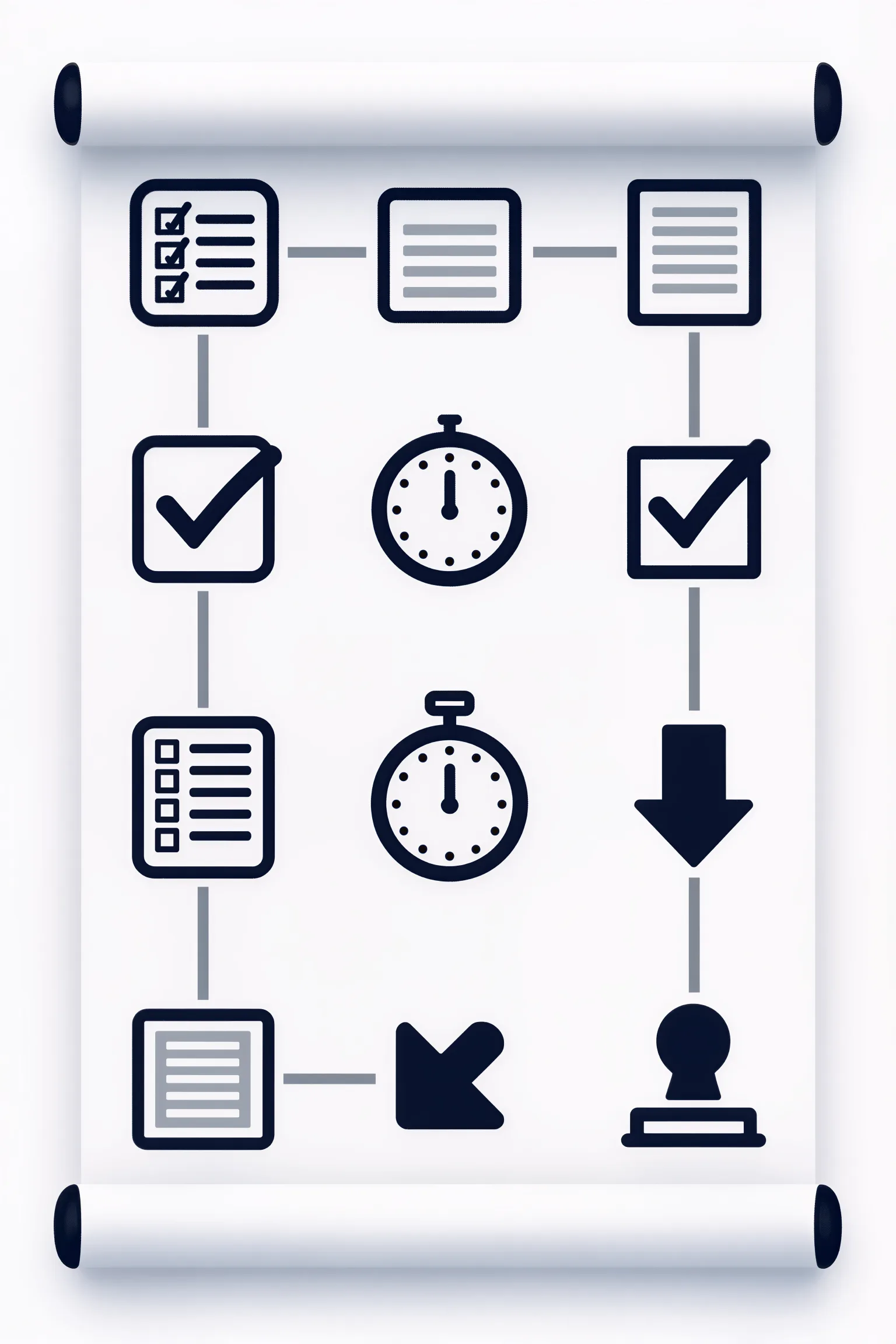
A rollback plan is not a sentence in a ticket; it is an artifact with a trigger, an owner, a command sequence, a time budget, and a verification script. Define triggers before the release: any 5xx rate above 1% for 3 minutes, checkout conversion dropping to zero, wp option get runok_schema_version mismatching the manifest, or more than 2 staging URLs found in the DB. One person owns the go/no-go call; nobody else runs commands during the window.
Pre-release snapshot
Capture database, code symlink target, config, and drop-ins. On WordPress 6.9 with WP-CLI 2.12:
TS=$(date +%Y%m%d-%H%M)
wp maintenance-mode activate
wp db export /backups/db-$TS.sql --add-drop-table
tar -czf /backups/content-$TS.tgz -C /var/www/html wp-content
cp /var/www/secrets/env.php /backups/env-$TS.php
readlink -f /var/www/html/current > /backups/release-$TS.txt
wp option get runok_schema_version > /backups/schema-$TS.txt
wp plugin list --fields=name,version,status --format=json > /backups/plugins-$TS.json
sha256sum /backups/db-$TS.sql /backups/content-$TS.tgz > /backups/SHA256SUMS-$TS
Rehearse on a production clone
Do the drill in 2026 on a same-size clone with the same PHP 8.3, MariaDB 10.11 or MySQL 8.4, Redis 7.x, and Nginx 1.27 stack. Time it. Target under 15 minutes: wp db import of a 2 GB dump typically takes 4-7 minutes on NVMe, symlink swap is instant, cache flush and rewrite flush under 30 seconds, CDN purge 1-2 minutes. If the drill takes 40 minutes, shrink the dump by splitting custom tables or move to a volume snapshot; do not accept an untested plan.
Execute and verify
wp maintenance-mode activate; wp db import /backups/db-$TS.sql; ln -sfn $(cat /backups/release-$TS.txt) /var/www/html/current; restore env-$TS.php; sudo systemctl reload php8.3-fpm; wp cache flush; wp rewrite flush --hard; purge CDN; wp maintenance-mode deactivate. Then verify: wp core verify-checksums, wp option get runok_schema_version equals /backups/schema-$TS.txt, wp plugin list --status=active --format=json equals the backup JSON, curl -sS -o /dev/null -w '%{http_code}' https://www.runokwp.com/checkout/ returns 200, and wp cron event run --due-now exits 0. Sign the incident note with the TS, the trigger, and the elapsed time.
Common pitfalls: restoring the DB but forgetting the previous code symlink, which leaves new PHP calling old schema; flushing Redis before restoring object-cache.php, which repopulates stale transients; and deactivating maintenance mode before the CDN purge completes, which serves a half-old page. Roll back the rollback only after a second green verification. Keep snapshots for 7 days, not 7 minutes; a broken serialized string often surfaces on the next editorial save, not on the homepage. Backup retention and offsite copy conventions are covered in WordPress Backup Vendor Guide for 2026, which is worth aligning with this runbook before the first release.
Final selection recommendation
Choose incremental sync with a Git-tagged artifact, a serialized-safe scoped URL rewrite, declared environment config, and a rehearsed 15-minute rollback for every production WordPress site in 2026 that has users, orders, or editors. Choose full copy only for the single initial launch of an empty site, and retire it immediately after go-live. If you are selecting a partner rather than building the runbook internally, compare vendors against the six rows in the table above and require a timed rollback drill as a deliverable; the evaluation criteria in Choosing a WordPress Website Migration Vendor in 2026 map directly to those gates. Do not approve any release process that cannot answer, in one command, which schema version and which option keys are currently live.
Frequently asked questions
Can I push staging content to production without losing WooCommerce orders?
No, not with a full database copy. Export the specific posts, terms, and ACF fields with wp export --post_type=page,wp_block or a reviewed SQL subset, import into production, and leave wp_posts order rows, wp_wc_orders, and wp_usermeta untouched. Verify order count before and after with wp db query "SELECT COUNT(*) FROM wp_wc_orders;".
Is wp search-replace --dry-run enough to guarantee safe URL replacement?
It is necessary but not sufficient. Run it on a restored production copy, then also grep escaped and protocol-less variants, check custom tables with wp db tables --all-tables, and confirm wp option get home, wp eval 'echo home_url();', and a real asset URL agree. Zero remaining staging strings in wp_postmeta and wp_options is the exit criterion.
How long should I keep the pre-release snapshot in 2026?
Keep the database dump, content tarball, config file, and SHA256SUMS for 7 days, with an offsite copy for 30 days. Serialized corruption and gateway-mode drift frequently appear on the next editorial save or first Monday cron run, not during the smoke test. Never overwrite the snapshot with a later release using the same timestamp.
Action checklist
- Tag the release, generate
deploy/releases/*.json, and record Git SHA, plugin versions, schema version, and changed option keys. - Switch all recurring releases to incremental sync; reserve full copy for the empty-site initial launch only.
- Add the WP-CLI
search-replace --precise --recurse-objectsdry run and the two COUNT queries as a hard CI gate. - Move
WP_HOME, debug flags, and gateway keys into/var/www/secrets/env.phpand diffwp config listagainstproduction.json. - Rehearse the 15-minute rollback on a production-sized clone, then store snapshots for 7 days with SHA256SUMS.
Need this runbook implemented and rehearsed on your stack? Our engineers build, document, and drill the full release flow. See WordPress services or the development team for a scoped 2026 engagement.
